Using xrtQook for script generation
Start xrtQook: type
python xrtQookStart.pyfrom xrt/gui or, if you have installed xrt by runningpip install xrtorpython -m pip install ., typexrtQookfrom any location.Note
The scaling of GUI may behave differently in different systems and Qt versions. If it looks wrong, try the scaling options in
xrtQookStart.py.Note
If you want to start xrtQook from Spyder, select the run option “Execute in an external system terminal”.
Rename beamLine to myTestBeamline by double clicking on it (this is optional).
Right-click on myTestBeamline and Add Source → BendingMagnet. The same can be done from the icon buttons on the left.
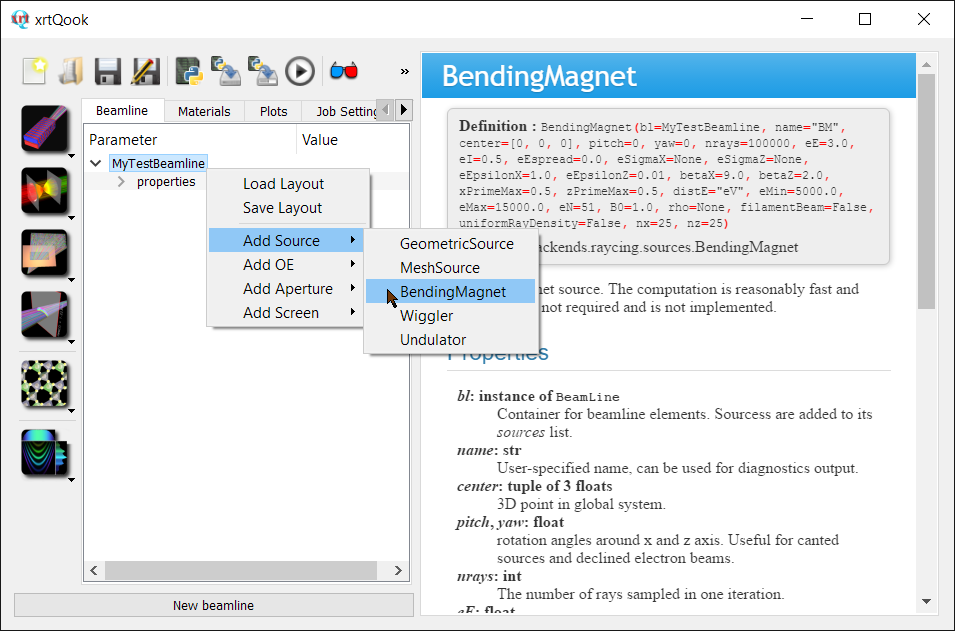
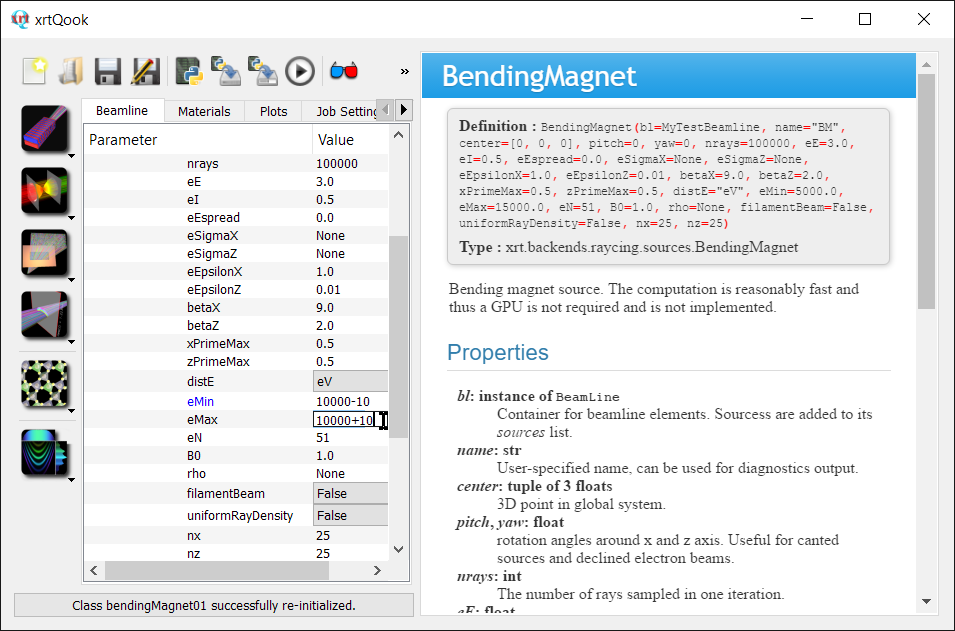
In its properties change the plot axes to x’ and z’ and the aspect ratio to “auto”. Set xPrimeMax and zPrimeMax to 0.5 (mrad), eMin to 9000-10 and eMax to 9000+10. The middle of this range will be used to automatically align crystals (one crystal in this example) unless the parameter myTestBeamline.alignE sets another value. Press Apply, examine the plot and press OK.
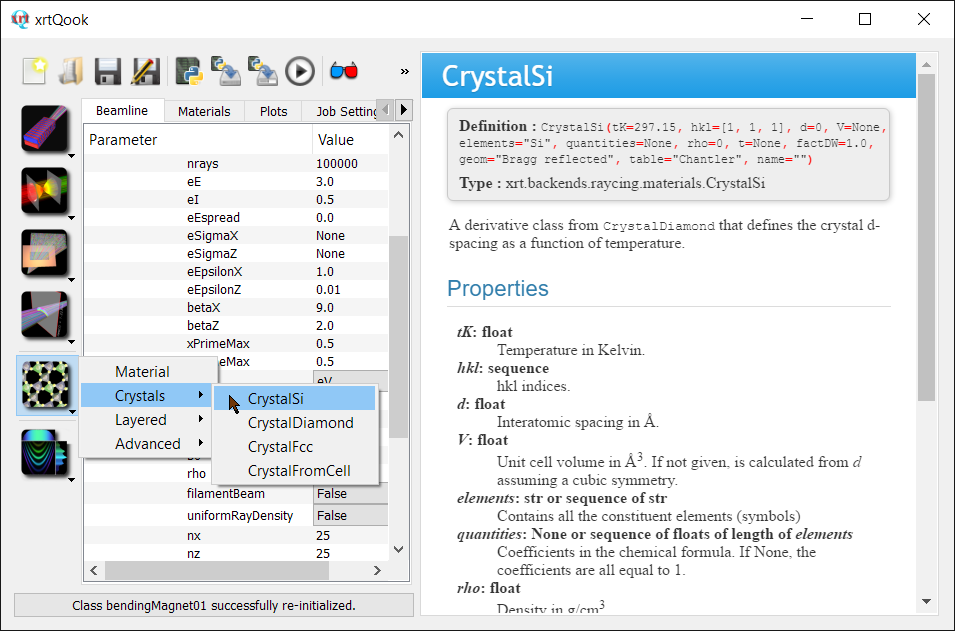
Create a crystalline material CrystalSi. This will create a Si111 crystal at room temperature.
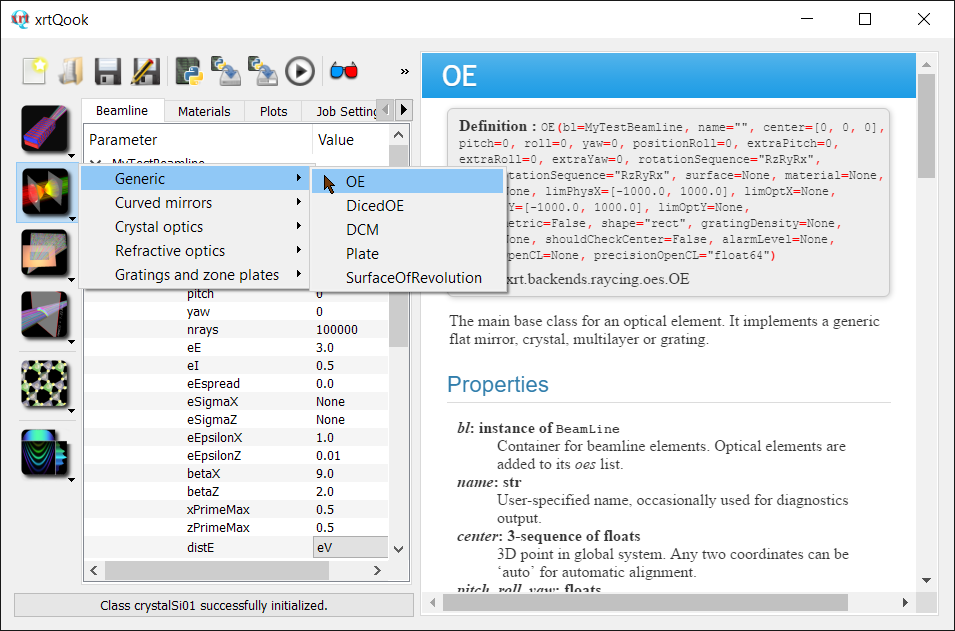
Add a generic OE -> OE. This will add an optical element with a flat surface.
Note
The sequence of the inserted optical elements does matter! This sequence determines the order of beam propagation.
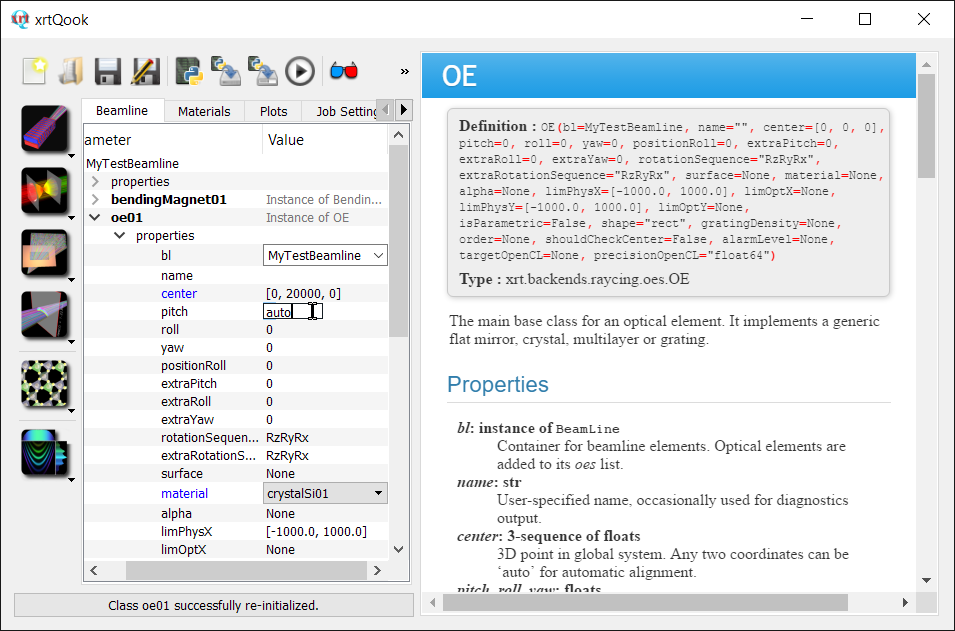
In its properties, set center.y as 20000 (mm), set pitch as “auto” (with or without quotes) and material as crystalSi01.
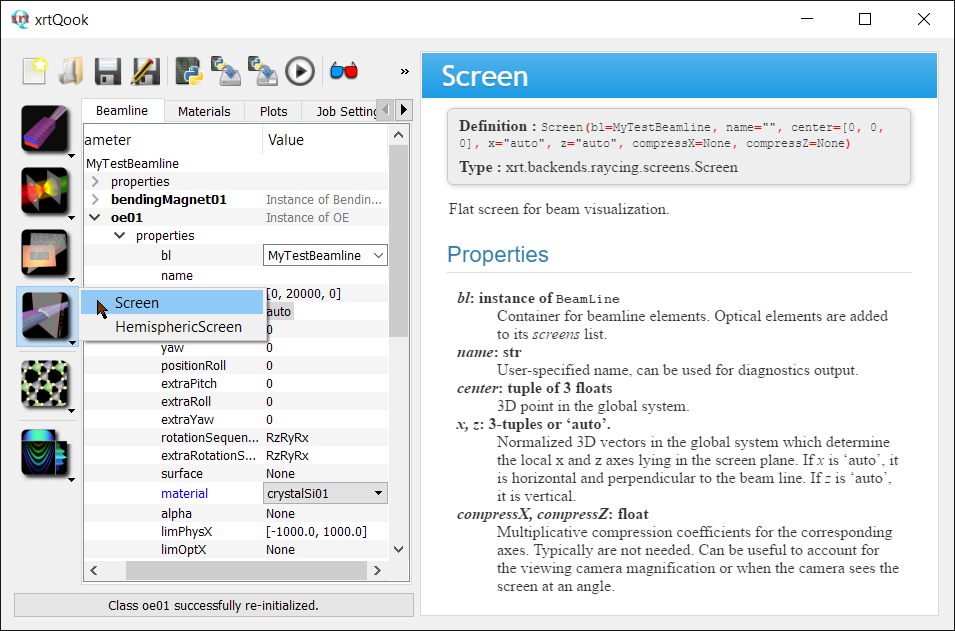
Add a screen to the beamline.
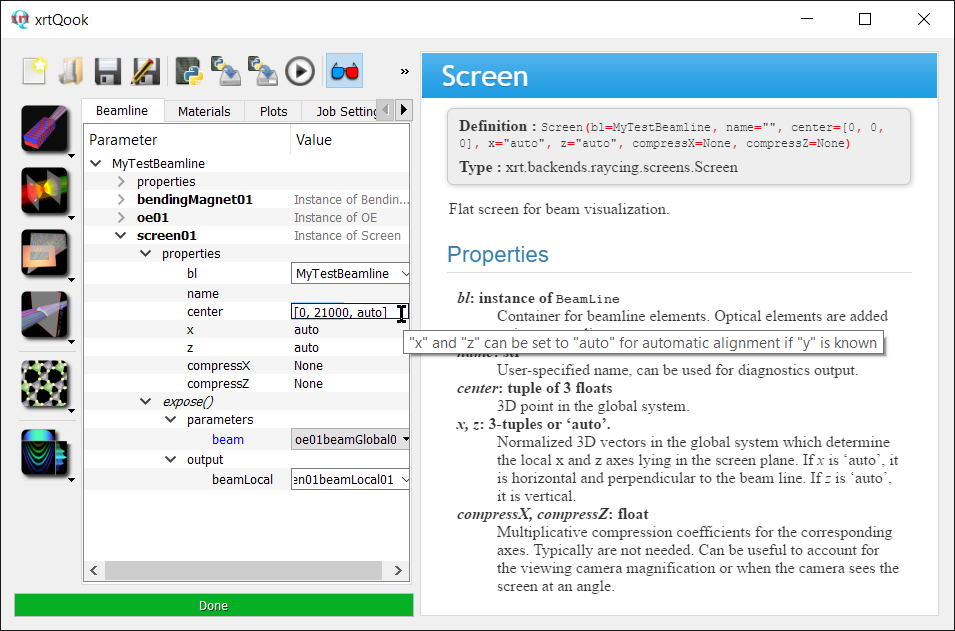
Set center.y as 21000 and center.z as auto. Its height (center.z) will be automatically calculated from the previous elements.
Check the beamline layout with xrtGlow. In the selection list right click on oe01 and “Center here”. Adjust the x and y scale in Transformations. Set Color Axis range as [8990, 9010]. Add Side (YZ) projection in Grid/Projections.
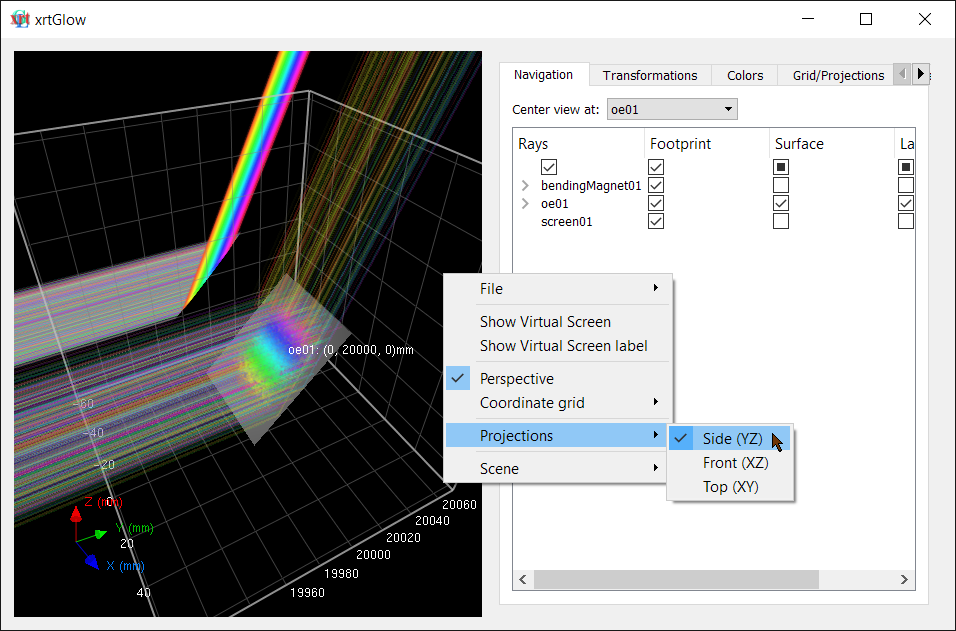
Add a plot and select the local screen beam.
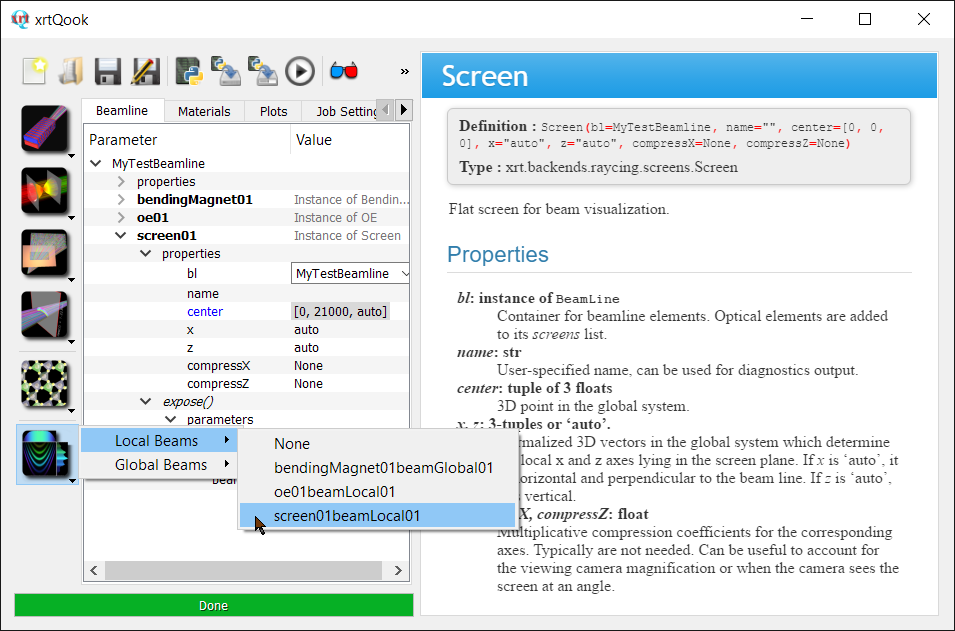
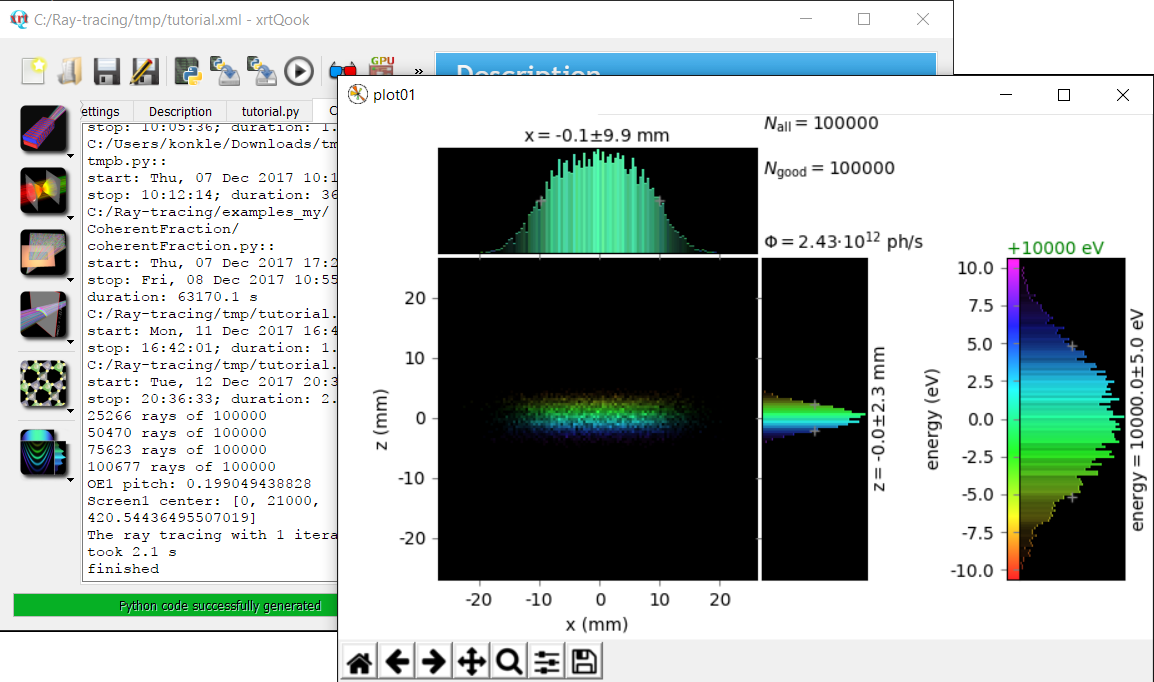
Define an offset to the color (energy) axis.

Save the beamline layout as xml.
Generate python script (the button with a code page and the python logo), save the script and run it.
In the console output you can read the actual pitch (Bragg angle) for the crystal and the screen position. These values can also be seen in the dynamic properties of oe1 and screen01 (double-click on the green line to the right of their names).
Using custom optical elements and/or custom materials in xrtQook
Create custom classes of optical elements in a module located in a writable folder. Copy xrt/gui/xrtQookStart.py starter script to that folder, edit it and run it. Editing is very simple: uncomment a few lines at the top of the script that import the custom module and enable integration with xrtQook.
Similarly, prepare a module with custom material classes and import them in the starter script of xrtQook. The provided script has a few commented lines prepared for the import.